01 / The drift
Posture does not collapse all at once.
It creeps in over a few hours at the desk, a little forward, a little rounded, until you look up and you're already hunched.
Webcam posture reminders for Windows
A quiet dot. Nothing to wear.
Cue uses your webcam to notice changes from your posture baseline. A small desktop dot reminds you to reset, without recording or uploading camera images.
Free to download. No card required. Windows 10/11 · webcam · email activation.
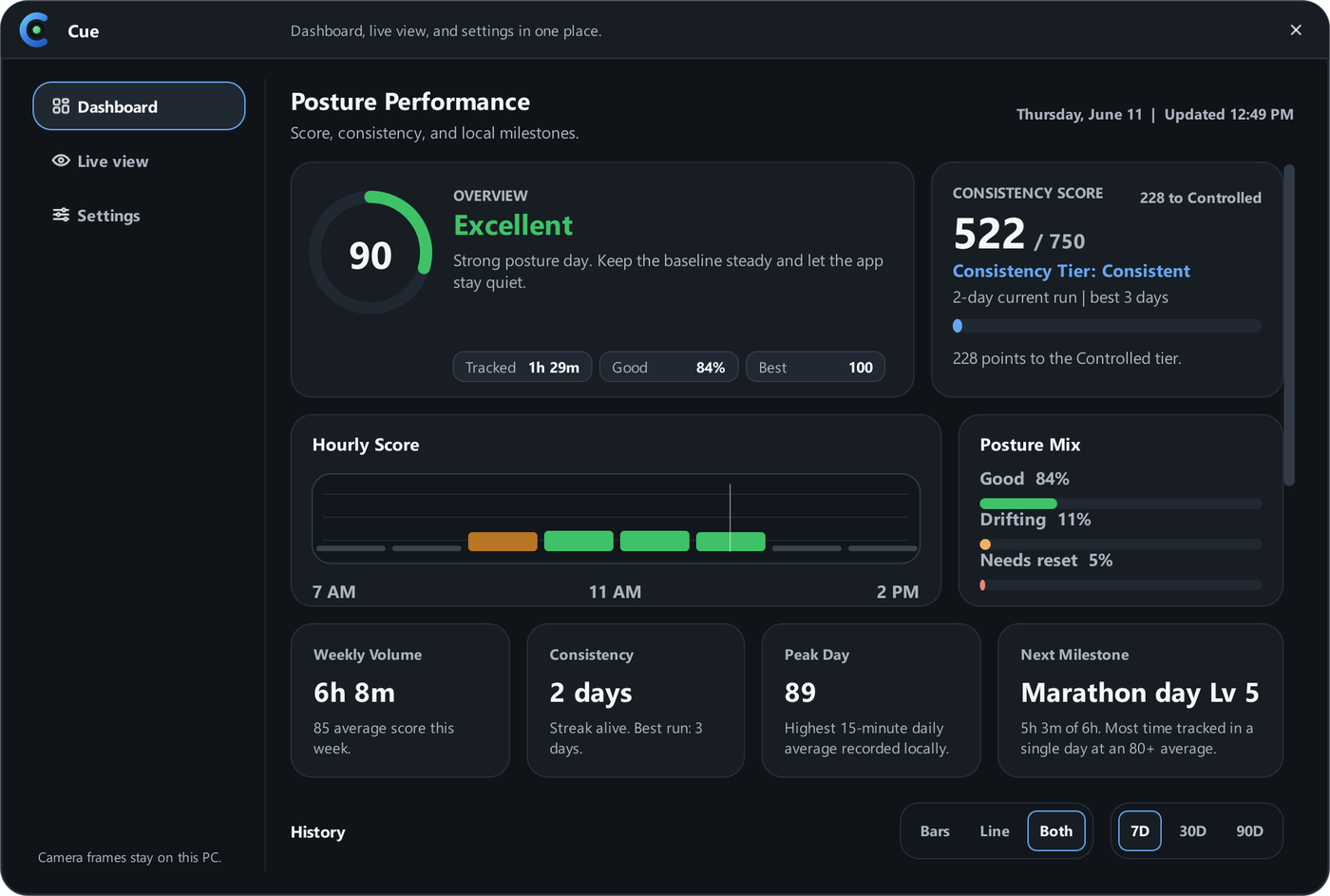
 Real Cue interface · illustrative scores
01 / The drift
It creeps in over a few hours at the desk, a little forward, a little rounded, until you look up and you're already hunched.
02 / The cue
The dot moves from calm to pay-attention, then gets out of your way when you come back to baseline.
03 / The pattern
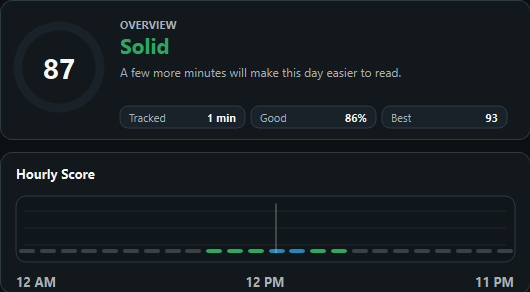
A clear record of the desk day you actually had, with the patterns named and nothing to study.
Why a coach
Your desk setup matters. Cue adds something different: a reminder when your position changes from the baseline you chose. Keep your attention on the work, with a small cue when it is time to reset.
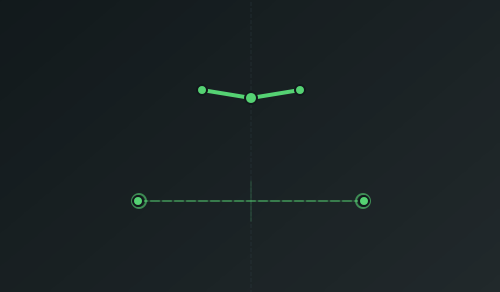
Set a comfortable position at your desk. Cue looks for changes in your head, shoulders, and distance from the camera.
A small dot changes color as your position drifts. Return to your baseline and it settles. Pause tracking whenever you need to.
Review your scores, hourly patterns, and milestones. Your recorded sessions give you something concrete to reflect on.
Cue uses the live webcam view on your computer to estimate posture locally. It does not store photos, save videos, or upload your camera feed.
Numeric posture history stays on your computer. Sign-in, licensing, and daily tracked-time totals use account services. Read exactly what is stored and shared.
Cue does not upload your camera feed.
No photos, videos, or camera recordings are saved by Cue.
Posture checks happen on your computer from the live camera view.
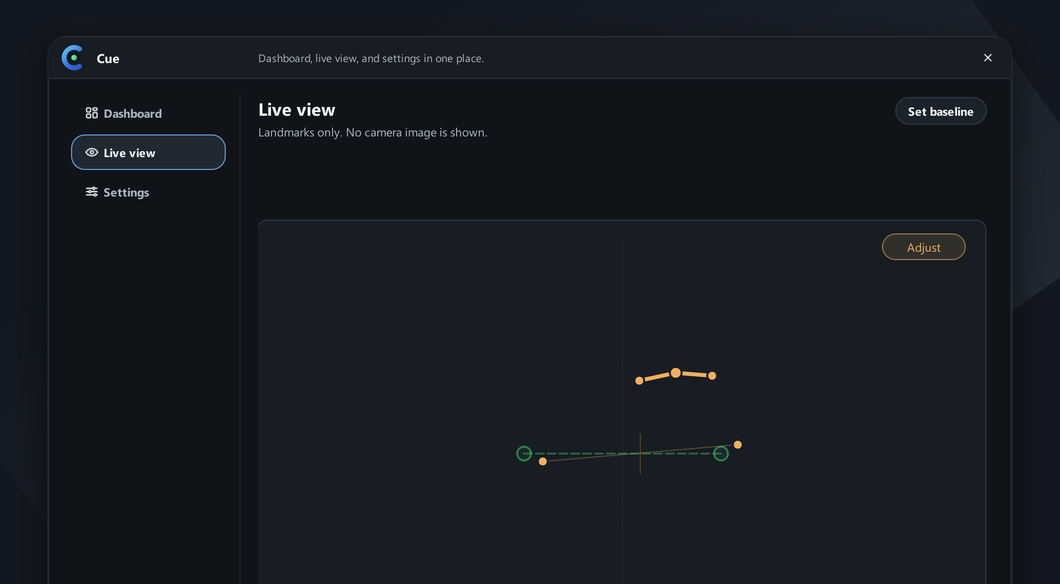
These previews use Cue's real interface with illustrative scores. Explore the dot, the posture view, and the history you can review after a session. Your readings will depend on your setup.

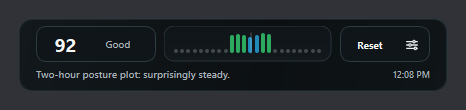
One work session
Cue is intentionally narrow: webcam-based, local, and quiet enough to leave in the background while you work.
Download Cue for Windows, free to start.
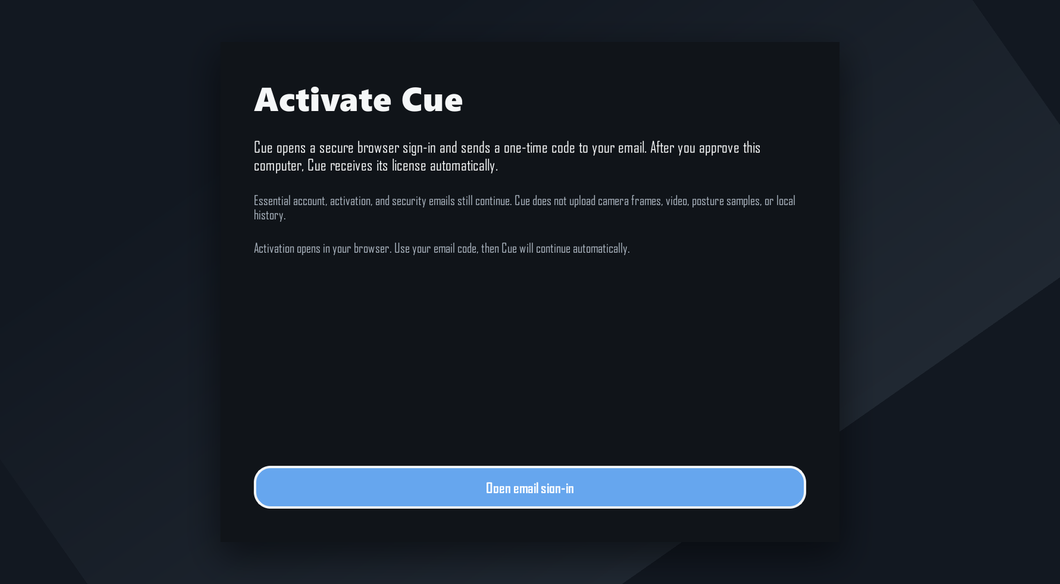
Cue opens your browser. Sign in or create an account with your email, then approve your computer.
Take the posture you mean to keep. Cue learns that setup.
When you drift, the live view and the dot shift to amber.
Cue is a reminder to notice your position and make your own adjustment. It compares webcam landmarks with your baseline and shows a dot and recorded scores. It does not guarantee lasting posture changes, diagnose a condition, or replace professional advice.
No. Camera frames are processed on your computer and are not recorded or uploaded. Numeric posture history is saved locally. Account services receive sign-in and device/license details plus daily tracked-time totals and related metadata. Optional feedback and website analytics are described on the Privacy page.
Windows may warn about a newer or unfamiliar download. Use the release details on the Windows download page to check the publisher and checksum. If the signature or download does not match, stop and contact support. A warning is a reason to verify the file, not to ignore it.
Cue includes low-light adjustments, but a clear view of your head and shoulders matters. Dim lighting, backlighting, clothing, and camera placement can affect detection. Try your usual setup with the free download; add light if tracking becomes unreliable.
Yes. Cue scores you against the baseline you set, not against some ideal chair position. Sit, stand, switch halfway through the day. Just re-capture your baseline when you change setups.
Cue runs pose detection locally, so it uses processor time and keeps the webcam in use while tracking. Performance modes reduce how often it checks, and Battery Saver can activate when unplugged. Usage varies by computer and lighting. Try the free version on your hardware, and Pause to release the webcam.
Cue has a free download with no card required. Pro is designed for unlimited daily tracking. The Pricing page shows the current free allowance, paid-plan availability, billing periods, and any one-time offer before you choose.
Windows 10 or 11 (64-bit), a compatible webcam with a clear view of your head and shoulders, and an email address for activation. Camera permissions and available computer resources affect setup. Start free to check compatibility before buying.
They are planned, but public installers are not available yet. Cue is available for Windows today. Do not buy it for a Mac or Linux computer until that platform's download is released.
Some webcams and camera drivers cannot be shared between apps. If your meeting app cannot open the camera, Pause Cue before the call and resume afterwards. Pausing releases Cue's camera connection.
Cue needs the webcam while checking posture. The light can stay on while tracking or waiting for you to return. Click Pause or quit Cue to release the camera. An active camera light does not mean Cue is recording or uploading video.
Get Cue
Download Cue for Windows, activate with email, and set your baseline. Try it at your own desk before deciding whether it belongs in your workday. No card required.
Start with the free download. See pricing for the current status of Pro plans.
Windows release 0.1.6 · release details and checksum on the download page
Cue is a desk posture reminder, not medical advice, diagnosis, treatment, physical therapy, or ergonomic assessment.